x2y Authenticator
A downloadable tool for Android
x2y Authenticator
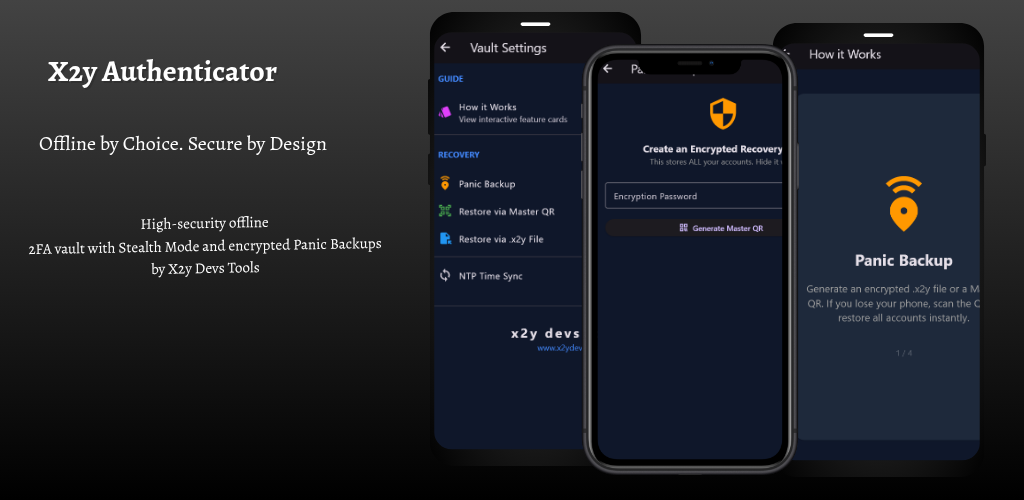
Your Keys. Your Jurisdiction.
x2y Authenticator is designed with paramount security and user privacy in mind, offering a robust solution for managing your Two-Factor Authentication (2FA) codes. This production release, v1.0.0, introduces a suite of powerful features for unparalleled digital sovereignty.
I. The Security Fortress (100% Offline)
Most authenticators sync your "secrets" to the cloud, making them a single point of failure for hackers. x2y Authenticator is 100% Offline by Design.
- Zero-Knowledge Architecture: No accounts to create. No emails. No tracking. The app functions entirely within your device's secure memory.
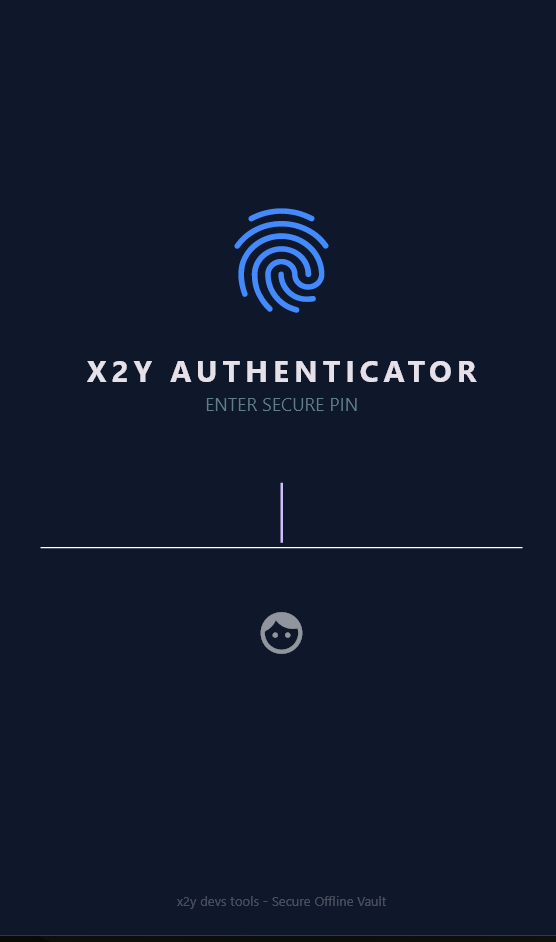
- Hardware-Level Biometrics: Access your vault via Fingerprint or Face Unlock, utilizing the device’s Trusted Execution Environment (TEE).
- Screenshot Prevention: Hardened at the OS level using the FLAG_SECURE protocol. Malware and unauthorized users are physically blocked from capturing or recording your codes.
- Jurisdiction-Free: Your data stays in your pocket, outside the reach of mass-surveillance and corporate data-mining.
II. Stealth Mode: The Decoy Defense
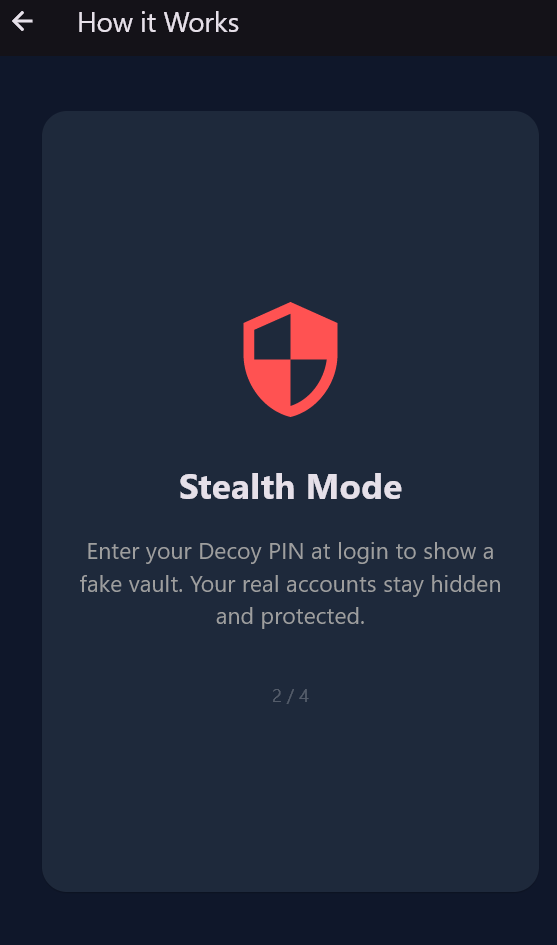
The world’s first 2FA defense against physical coercion. x2y Authenticator supports a sophisticated Dual-PIN System:
- The Vault PIN: Grants access to your true digital identities and real TOTP codes.
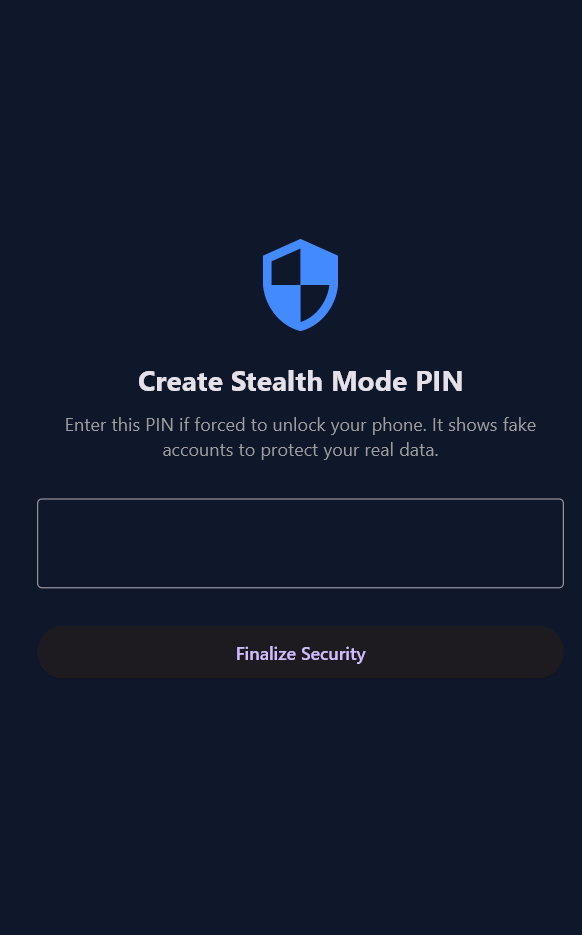
- The Decoy PIN: If forced to unlock your phone, enter your Decoy PIN. The app opens a perfectly functional but "fake" vault showing randomized, non-functional codes. Your real accounts remain encrypted and invisible.
III. Panic Backup & Recovery
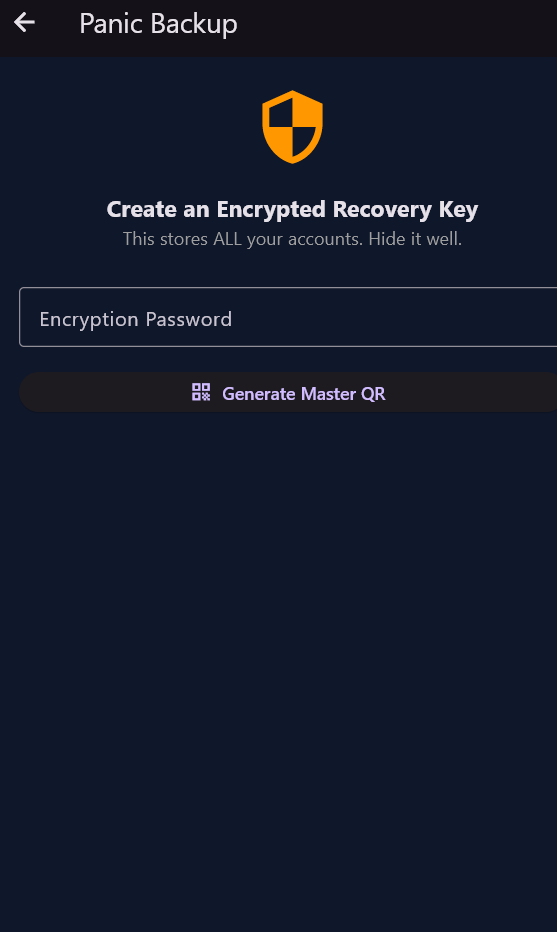
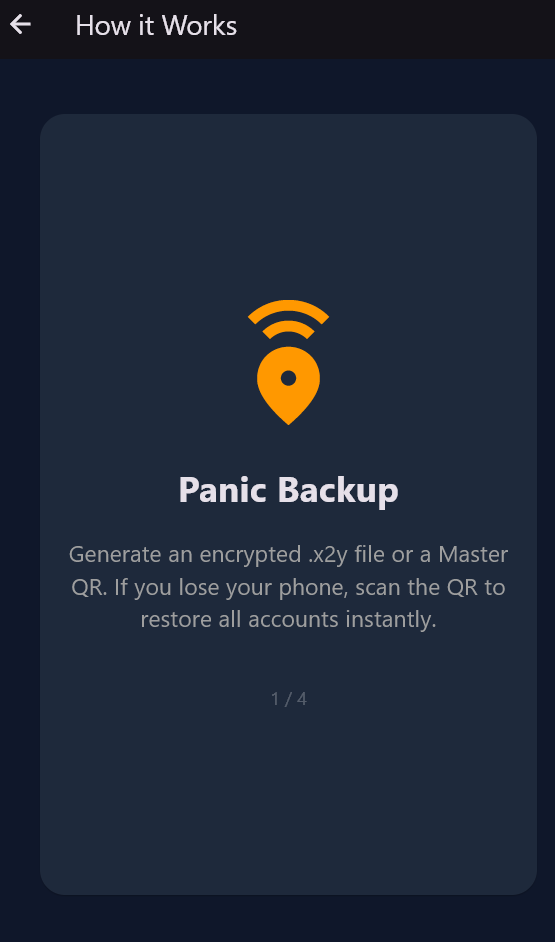
Losing your phone should not mean losing access to your life. Our Panic Backup system provides a cloud-free recovery path using AES-256 military-grade encryption.
- Master QR Code: Generate a single, highly-encrypted Master QR containing your entire vault. Print it out for "Cold Storage." Scan it with any new x2y app to restore 20+ accounts in seconds.
- .x2y Encrypted Files: Export your database into a secure file format for storage on a private NAS, SD card, or thumb drive.
IV. WiFi Companion: Secure PC Sync
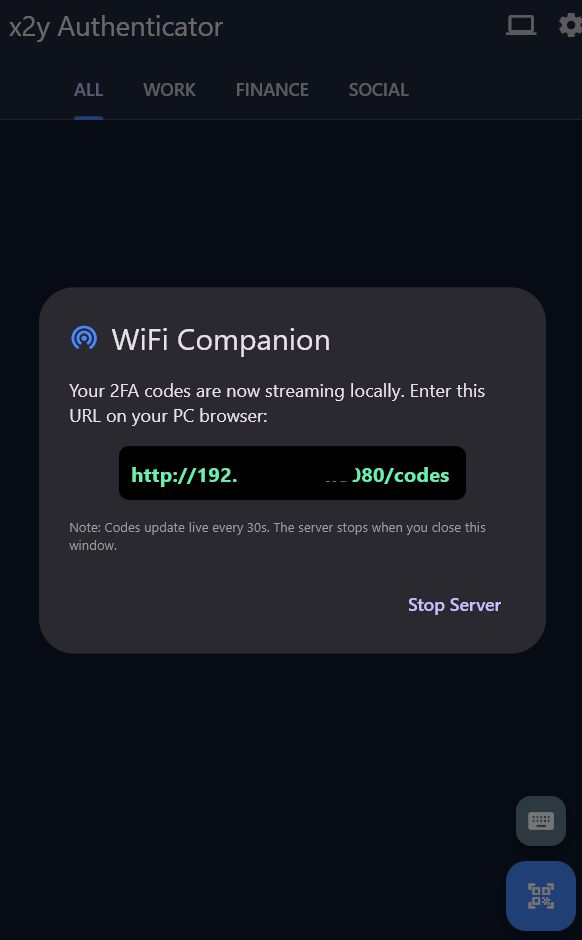
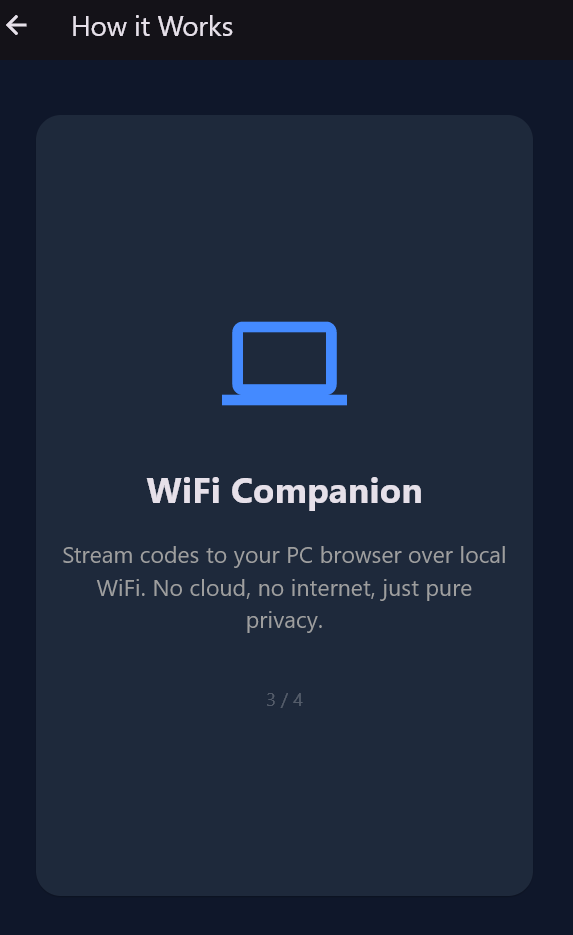
Need to see your codes on a big screen? x2y Authenticator introduces the Local WiFi Desktop Companion.
- The Same-Network Rule: To ensure absolute privacy, the Desktop Companion only works when your phone and PC are connected to the same WiFi network.
- The Local Tunnel: The app starts a temporary, local-only secure web server on your phone. Visit the private IP on your computer browser to see your codes live.
- Zero-Internet Sync: Data travels through your router’s airwaves and never touches the internet.
V. Elite Organization & Utility
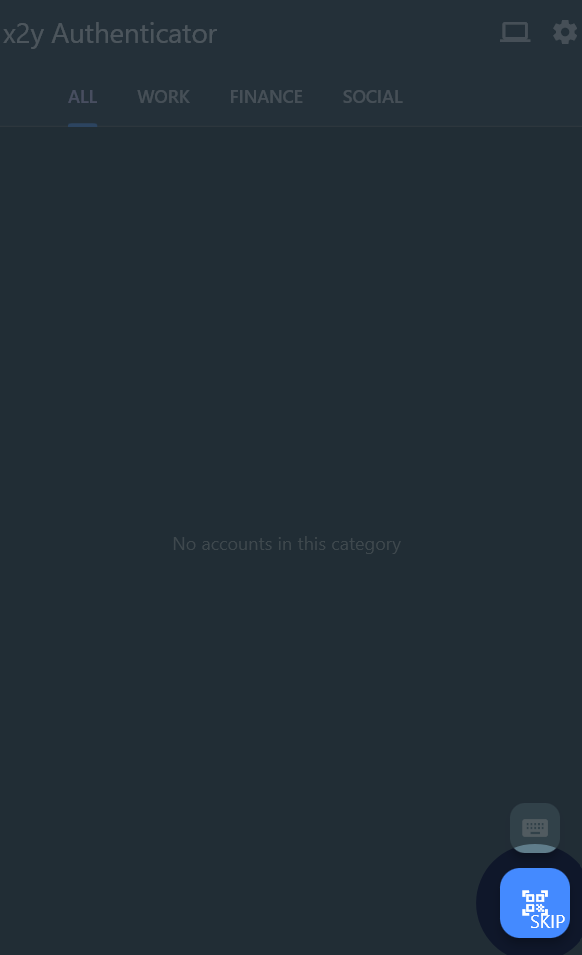
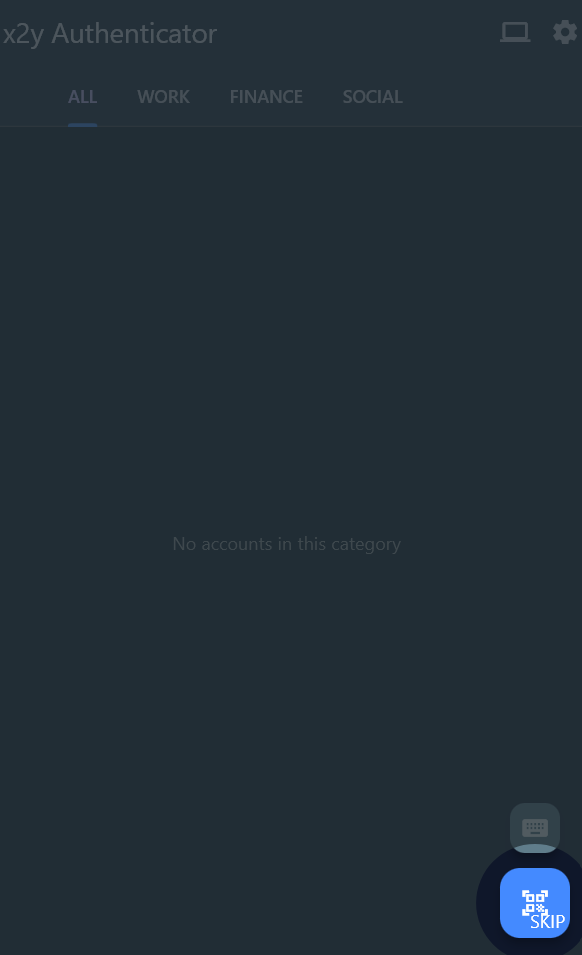
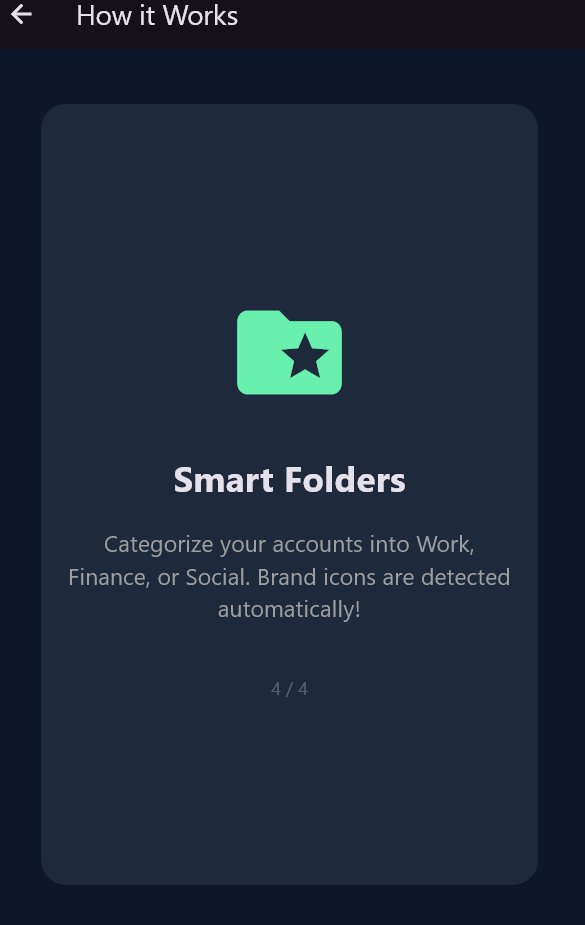
- Smart Folders: Categorize your security into custom tags like Work, Finance, or Social Media.
- Auto-Icon Branding: Our smart engine identifies the issuer name. Add GitHub, Binance, Google, or Microsoft, and the app displays the official brand logo instantly.
- Real QR Scanning: A high-performance hardware scanner with flash support for instant account setup.
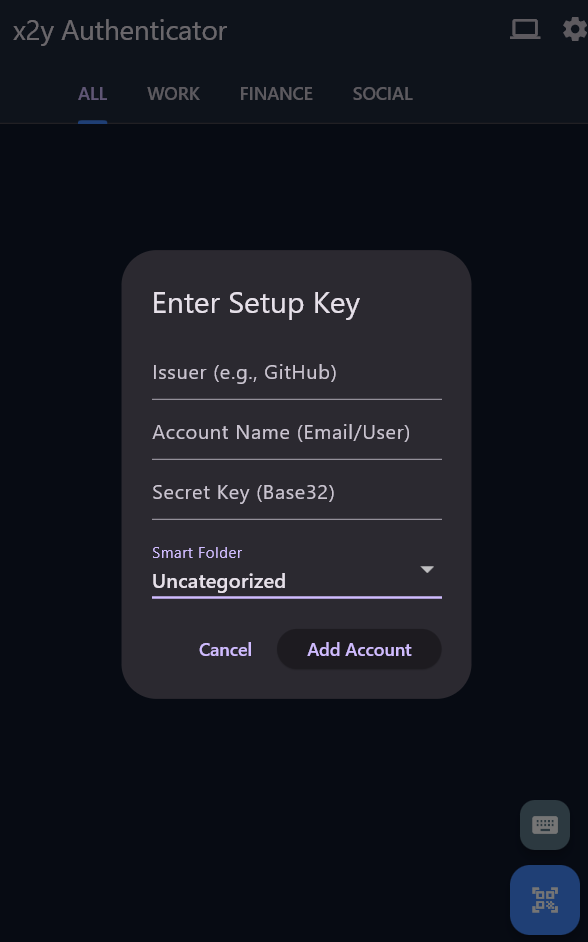
- Manual Setup: If scanning is unavailable, enter your Base32 secret keys manually.
- Time-Drift Auto-Sync: Sync with global atomic NTP servers with one tap to correct internal clock drift for perfect accuracy.
VI. Learning & Onboarding
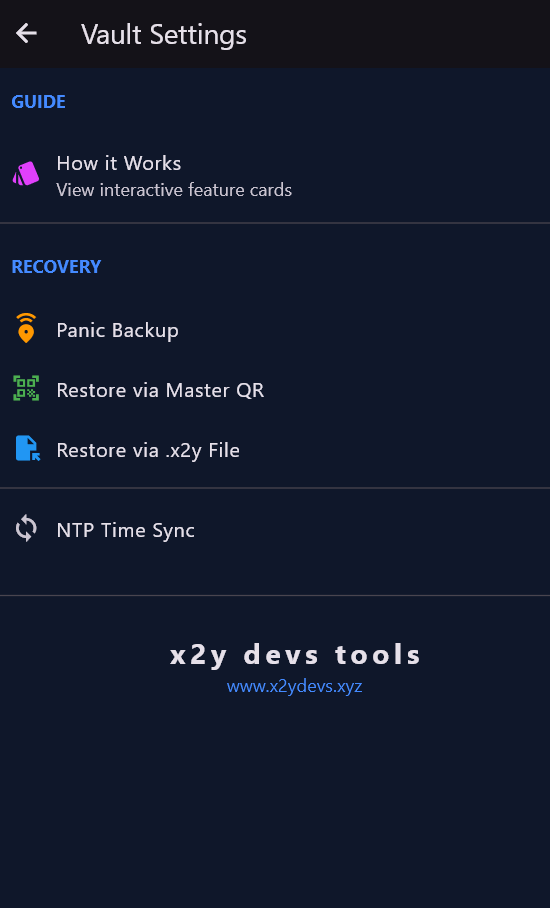
- Interactive Flashcards: Available in Settings, these slidable cards explain exactly how each high-security feature works.
- Step-by-Step Tutorial: First-time users are guided through the setup of their Vault and Stealth identities.
Technologies Used
- Android Platform: Developed natively for Android devices.
- AES-256 Encryption: Utilized for robust encryption of backup files, ensuring data integrity and confidentiality.
- NTP (Network Time Protocol): For accurate time synchronization to ensure reliable TOTP generation.
- Trusted Execution Environment (TEE): Leveraged for secure hardware-level biometric authentication.
- FLAG_SECURE Protocol: Implemented at the OS level to prevent unauthorized screen capture.
Installation
To get x2y Authenticator up and running on your Android device, follow these simple steps:
- Download: Obtain the app-release.apk or app-release.abb file. These files are typically attached to the official release on our GitHub or distributed via our website.
- Install: Open the downloaded .apk file on your Android device. You may need to enable "Install from Unknown Sources" in your device settings if prompted.
- Onboarding: Follow the interactive onboarding process within the app to set up your primary Vault PIN and your Stealth Mode Decoy PIN.
Usage
Once installed, x2y Authenticator provides an intuitive interface for managing your 2FA codes:
- Initial Setup: Upon first launch, complete the interactive onboarding to establish your primary Vault PIN and a separate Decoy PIN for Stealth Mode.
- Adding Accounts: Add your 2FA accounts by scanning QR codes or manually entering keys. The Smart Folders feature will automatically organize them.
- Accessing Codes: Enter your primary Vault PIN or use hardware-level biometrics to access your real 2FA codes.
- Stealth Mode: If you feel compromised, enter your Decoy PIN at the login screen to display a fake vault, protecting your actual credentials.
- Panic Backup: Regularly use the Panic Backup feature to export your vault. Store the Master QR and the .x2y encrypted file in a secure, offline location. Always keep a physical copy of your Panic Backup QR in a safe place.
- WiFi Companion: Activate the WiFi Companion feature to stream codes securely to your linked desktop application or browser extension over your local network.
- Time Sync: The app automatically syncs time, but you can manually trigger a sync via settings if you suspect time drift issues.
- Learning More: Explore the Interactive Flashcards in the Settings menu to understand each security feature in depth.
Security Notice: This app is 100% offline. We never see your keys. Always keep a physical copy of your Panic Backup QR in a safe place.
Troubleshooting: Codes Not Working?
If your 2FA codes are being rejected by websites, follow these steps:
- Check for Stealth Mode: If the top bar says "Vault (Offline Mode)" or the codes look like randomized placeholders, you are in Stealth Mode. The codes shown are intentionally incorrect to protect your real data.
- The Fix: Log out and log back in using your Real Vault PIN or Biometrics.
- Sync the Clock: 2FA codes are time-sensitive. If your phone clock is off by even a few seconds, the code will fail.
- The Fix: Go to Settings > Time-Drift Auto-Sync to align with global atomic time.
Contact
For questions, feedback, or support, please visit our website or reach out to us. Built by x2y devs tools. Privacy is not a feature; it is a right. We build high-performance software designed to treat the user as an owner, not a product. Official Hub:
Download
Click download now to get access to the following files: