x2y Devs Pad
A downloadable tool for Windows
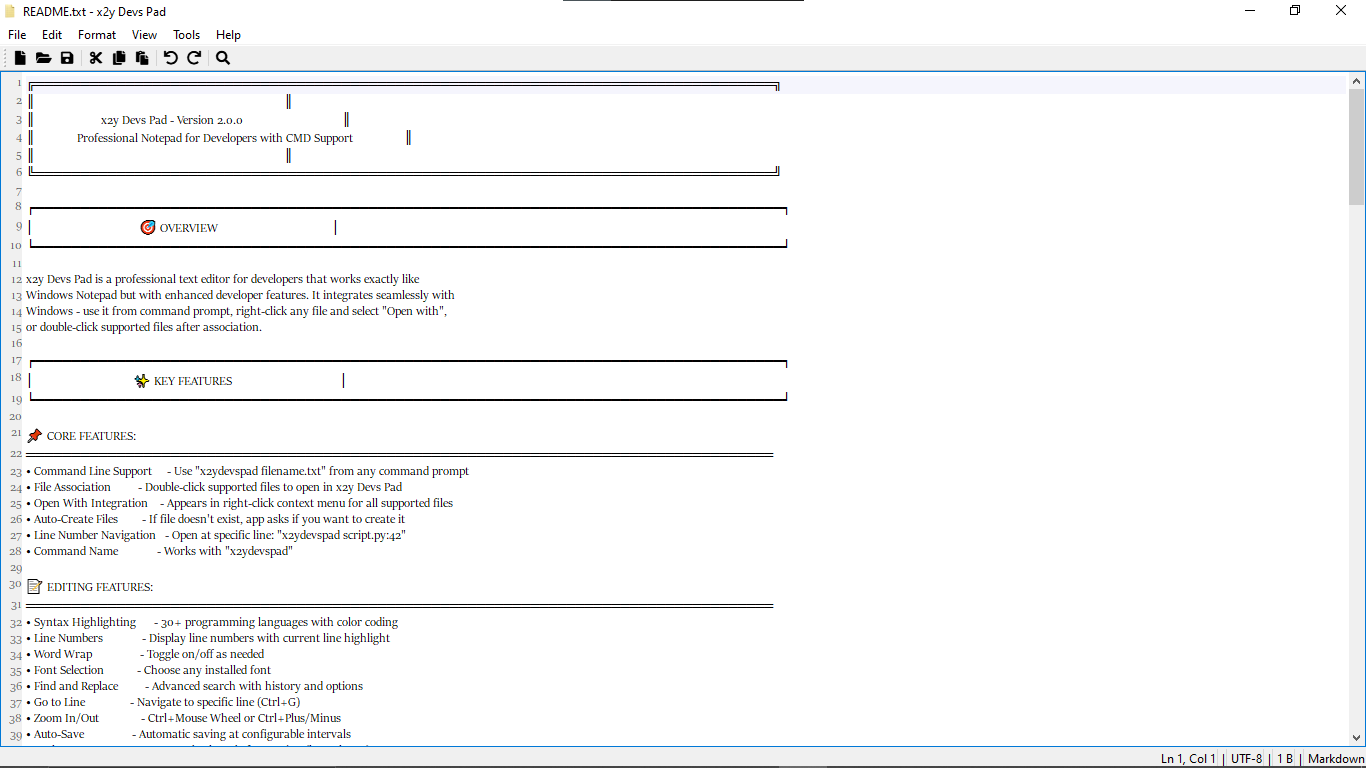
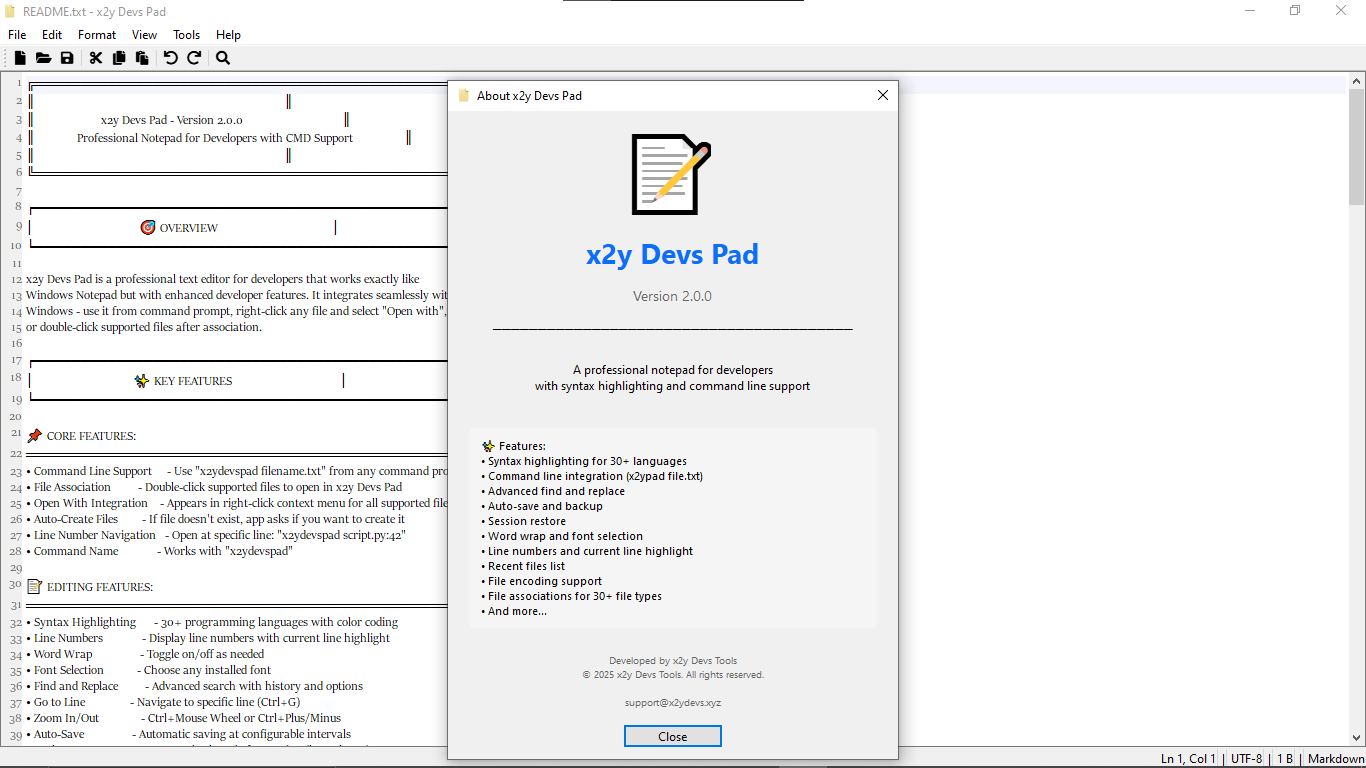
x2y Devs Pad - Version 2.0.0
Professional Notepad for Developers with CMD Support
Overview
x2y Devs Pad is a professional text editor for developers that works like Windows Notepad but with enhanced features. It integrates with Windows and can be launched from the command prompt, right-click context menu, or by double-clicking supported files.
Key Features
Core Features
- Command Line Support:
x2ydevspad filename.txt - File Association: Double-click supported files
- Open With Integration: Appears in right-click menu
- Auto-Create Files: Prompts to create missing files
- Line Number Navigation: Open at specific line, e.g.,
x2ydevspad script.py:42 - Command Name: Works with
x2ydevspad
Editing Features
- Syntax Highlighting (30+ languages)
- Line Numbers with current line highlight
- Word Wrap toggle
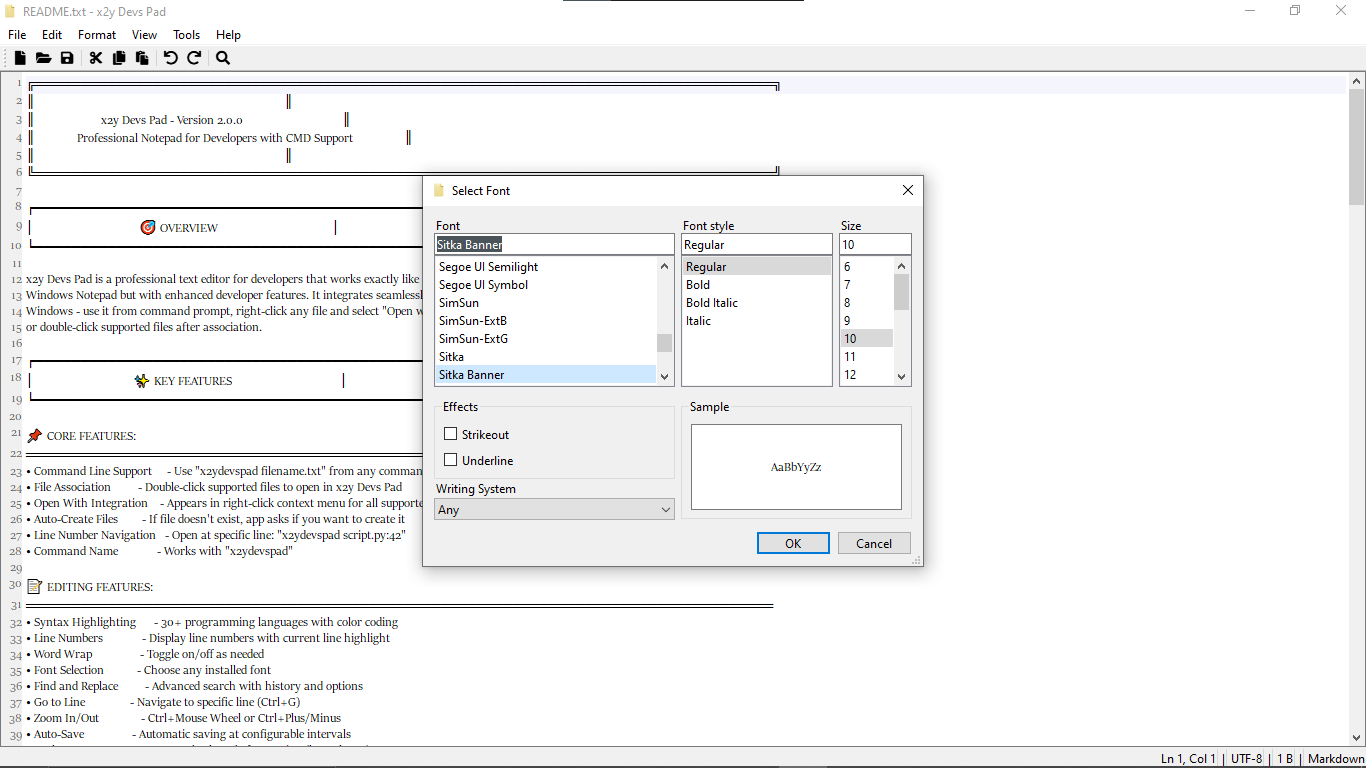
- Font Selection
- Find and Replace with history
- Go to Line (Ctrl+G)
- Zoom In/Out (Ctrl+Mouse Wheel or Ctrl+Plus/Minus)
- Auto-Save and Backup System (keeps last 5)
Supported Languages
- Python, JavaScript, TypeScript, HTML, CSS, JSON
- C/C++, Java, PHP, Ruby, Go, Rust, SQL, Markdown, Plain Text
- Shell, Batch, PowerShell, XML, YAML, INI, Log files, Git files, Docker, Environment files
- Vue.js, Svelte, Astro, and more
Command Line Usage
Basic Commands
x2ydevspad filename.txt— Open existing filex2ydevspad newfile.txt— Create if missingx2ydevspad script.py:42— Open at line 42x2ydevspad— Open empty window
Examples
x2ydevspad mynotes.txtx2ydevspad C:\Projects\app.pyx2ydevspad config.json:15x2ydevspad "C:\My Documents\notes.txt"
Behavior
- File exists → opens normally
- File missing → prompts to create
- Line number specified → jumps to line
- No filename → opens blank window
File Associations
- Appears in "Open with" for all supported file types
- Methods: Double-click, Right-click → Open with, Drag and drop
Keyboard Shortcuts
File Menu: Ctrl+N, Ctrl+O, Ctrl+S, Ctrl+Shift+S, Ctrl+P, Alt+F4
Edit Menu: Ctrl+Z, Ctrl+Y, Ctrl+X, Ctrl+C, Ctrl+V, Del, Ctrl+F, F3, Shift+F3, Ctrl+H, Ctrl+G, Ctrl+A, F5
View Menu: Ctrl++ / Ctrl+- / Ctrl+0
Configuration
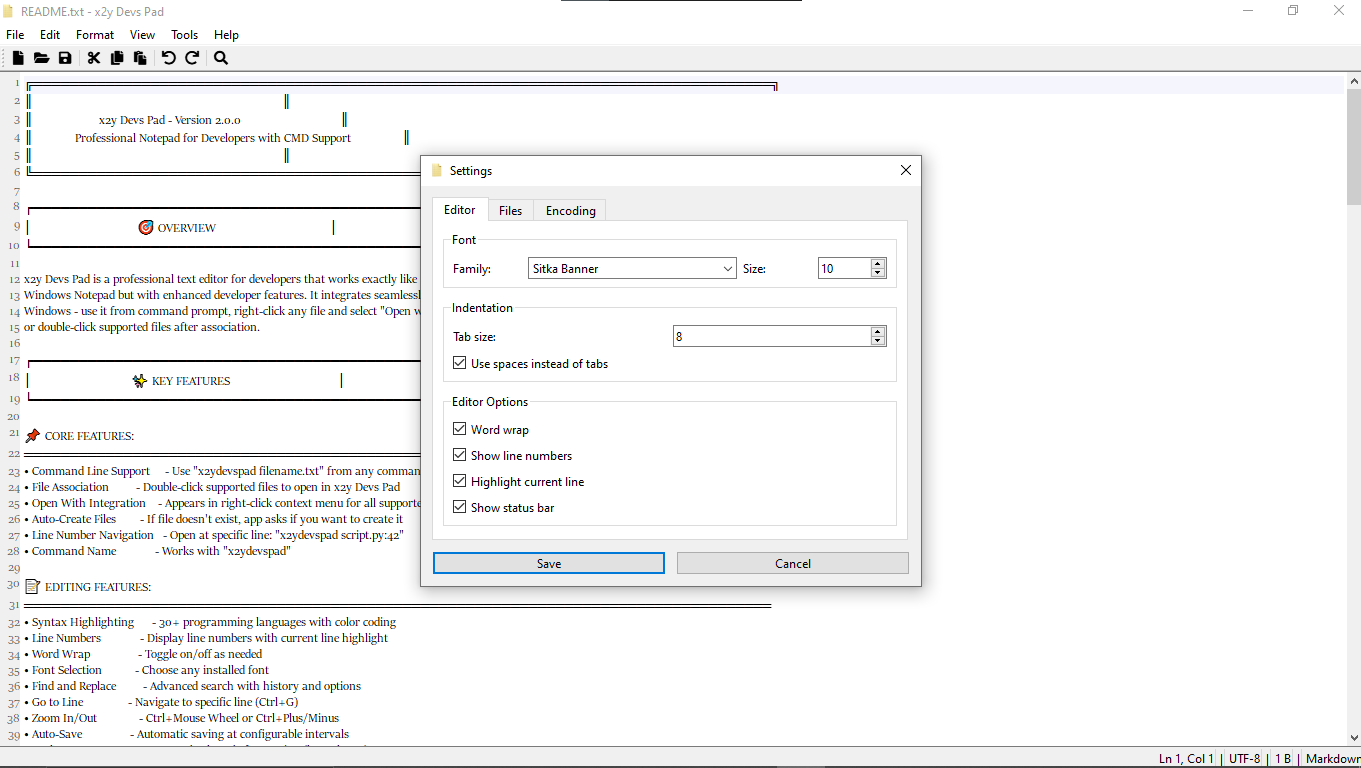
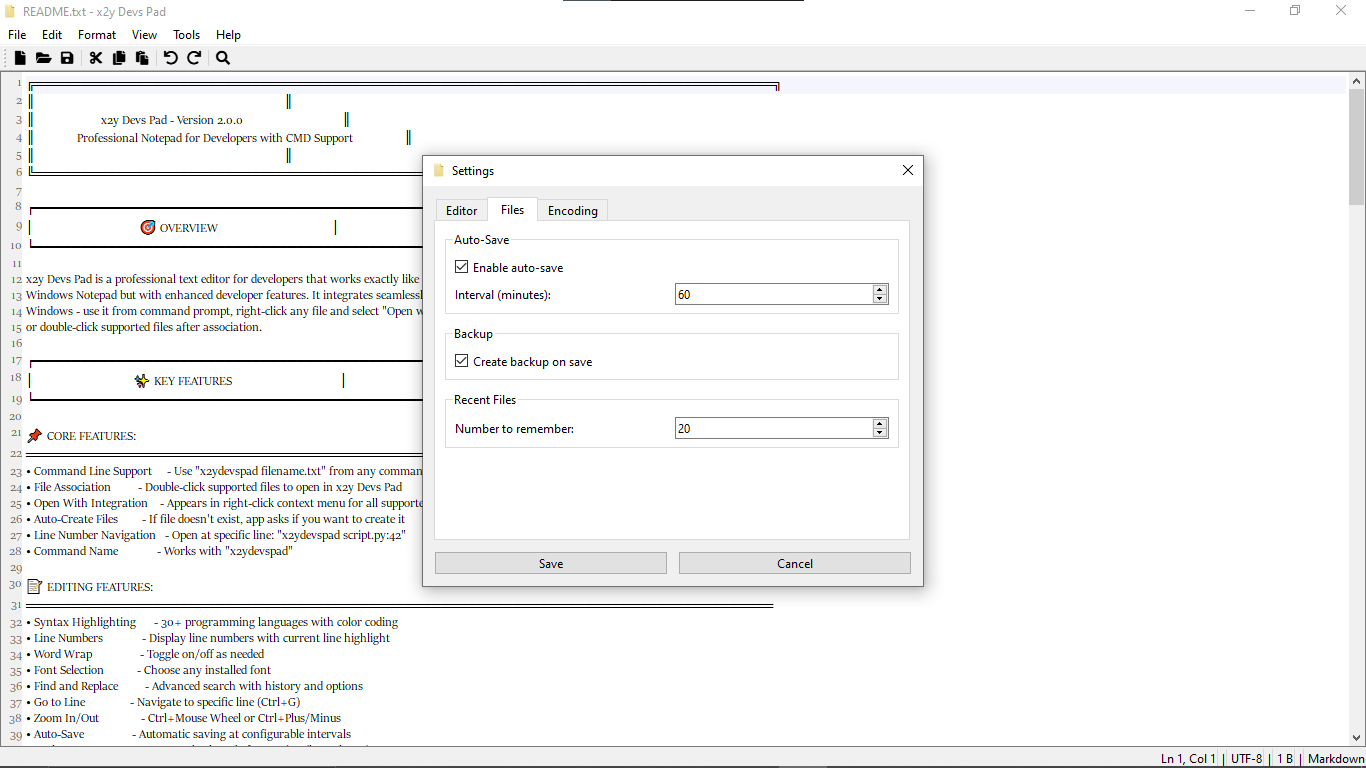
- Editor: font, word wrap, line numbers, highlight current line, tab size, spaces
- File: auto-save interval, backup on save, recent files count
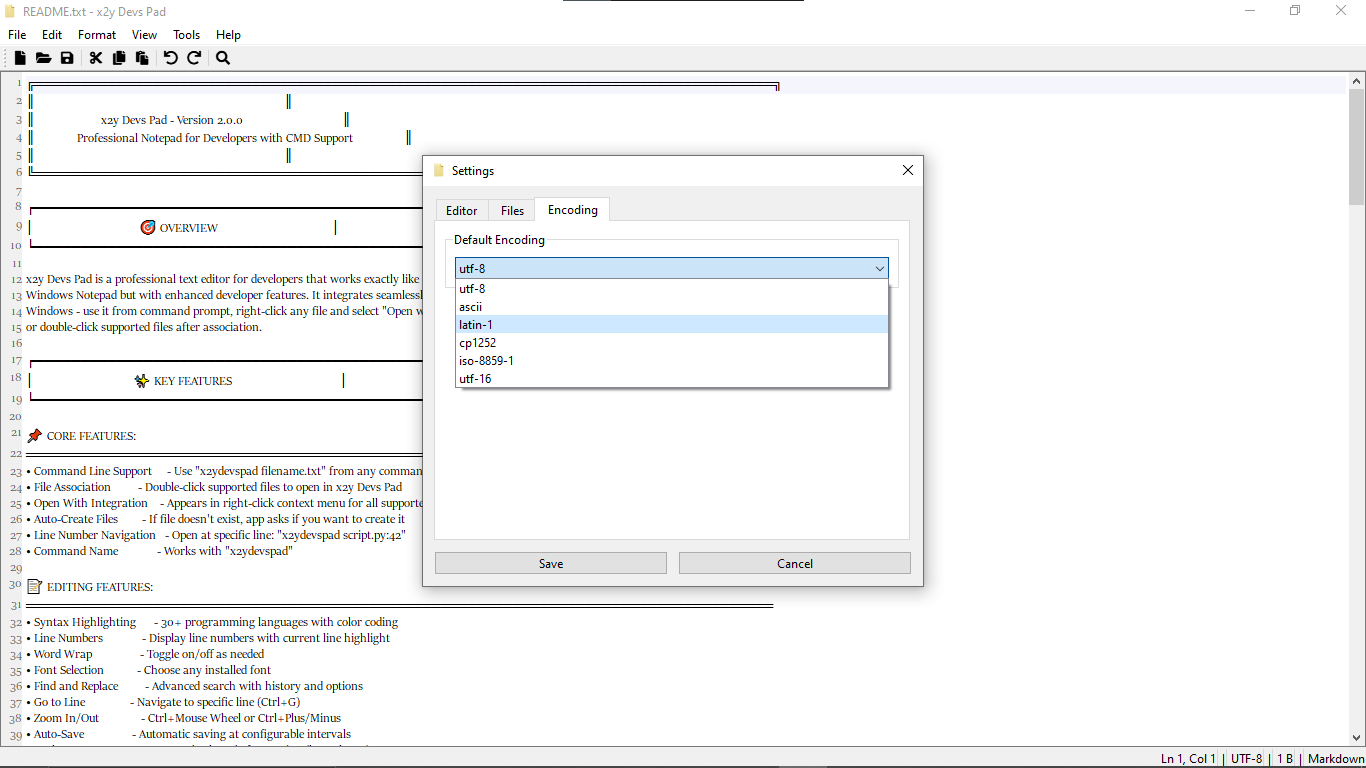
- Encoding: UTF-8, ASCII, Latin-1, etc.
System Requirements
- Windows 10/11 (64-bit recommended)
- 150 MB free disk
- 2 GB RAM minimum
- No internet needed after installation
- Administrator rights optional
Support
- Email: support@x2ydevs.xyz
- Website: https://www.x2ydevs.xyz
Download
Click download now to get access to the following files:
Also available on