x2y Extractor
A downloadable tool for Windows
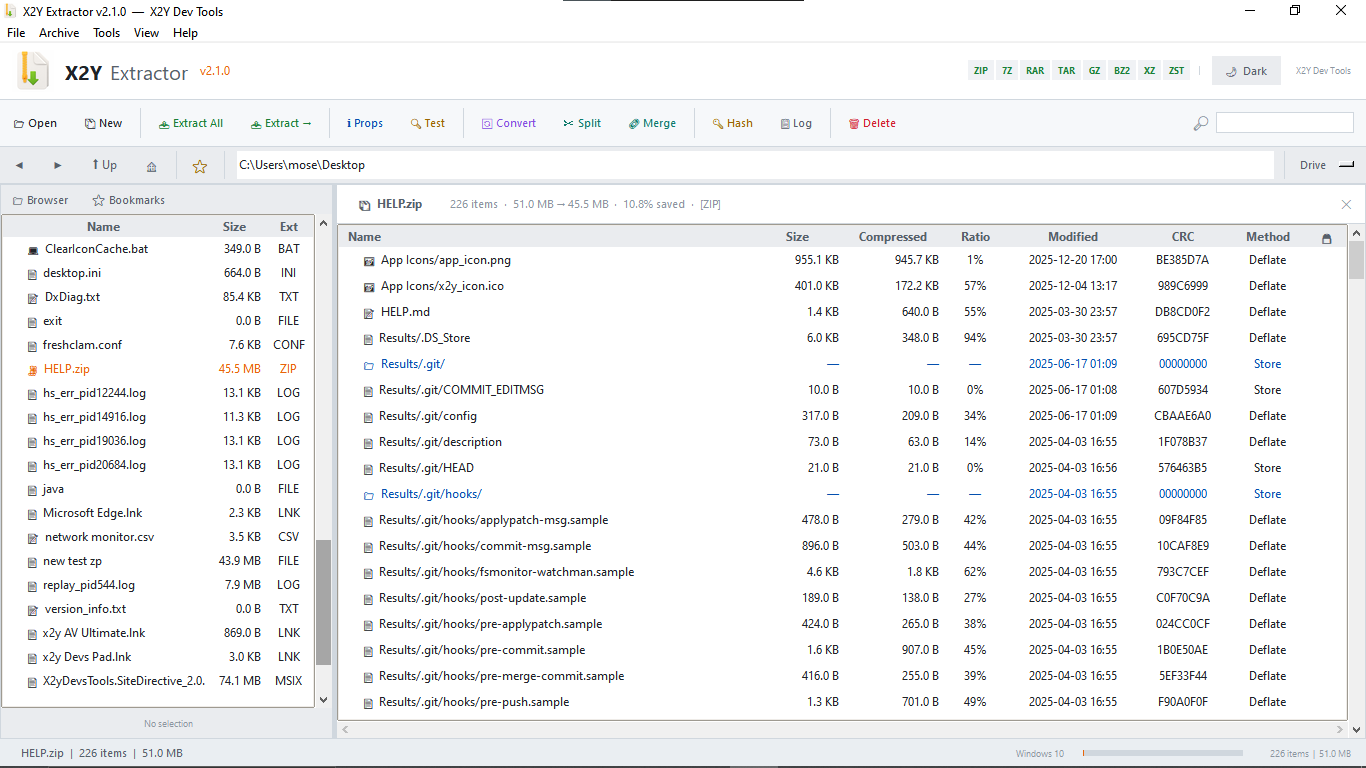
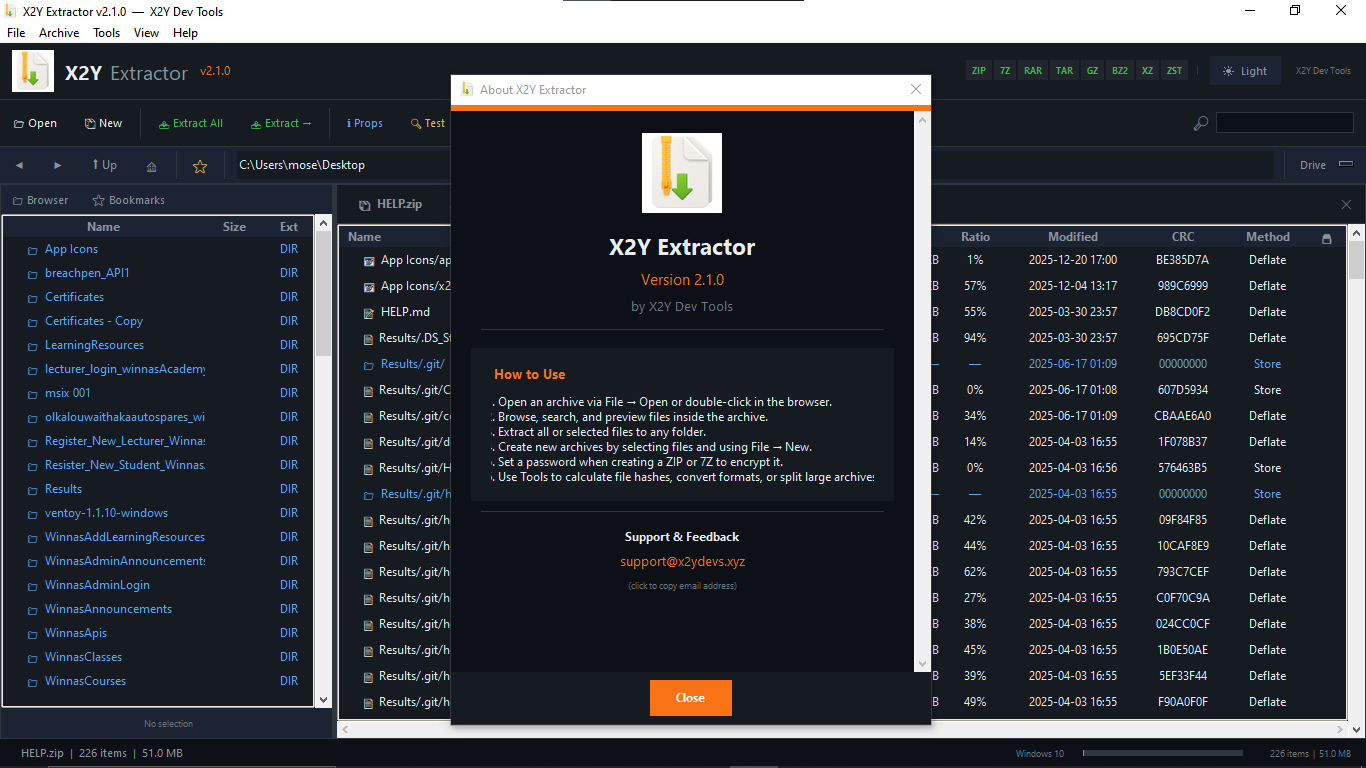
X2Y Extractor is a professional archive manager for Windows that lets you open, browse, extract, create, convert, split, and merge archive files entirely offline. It supports all major formats including ZIP, 7Z, RAR, TAR, GZ, BZ2, and XZ, with full AES-256 password encryption for ZIP and 7Z archives.
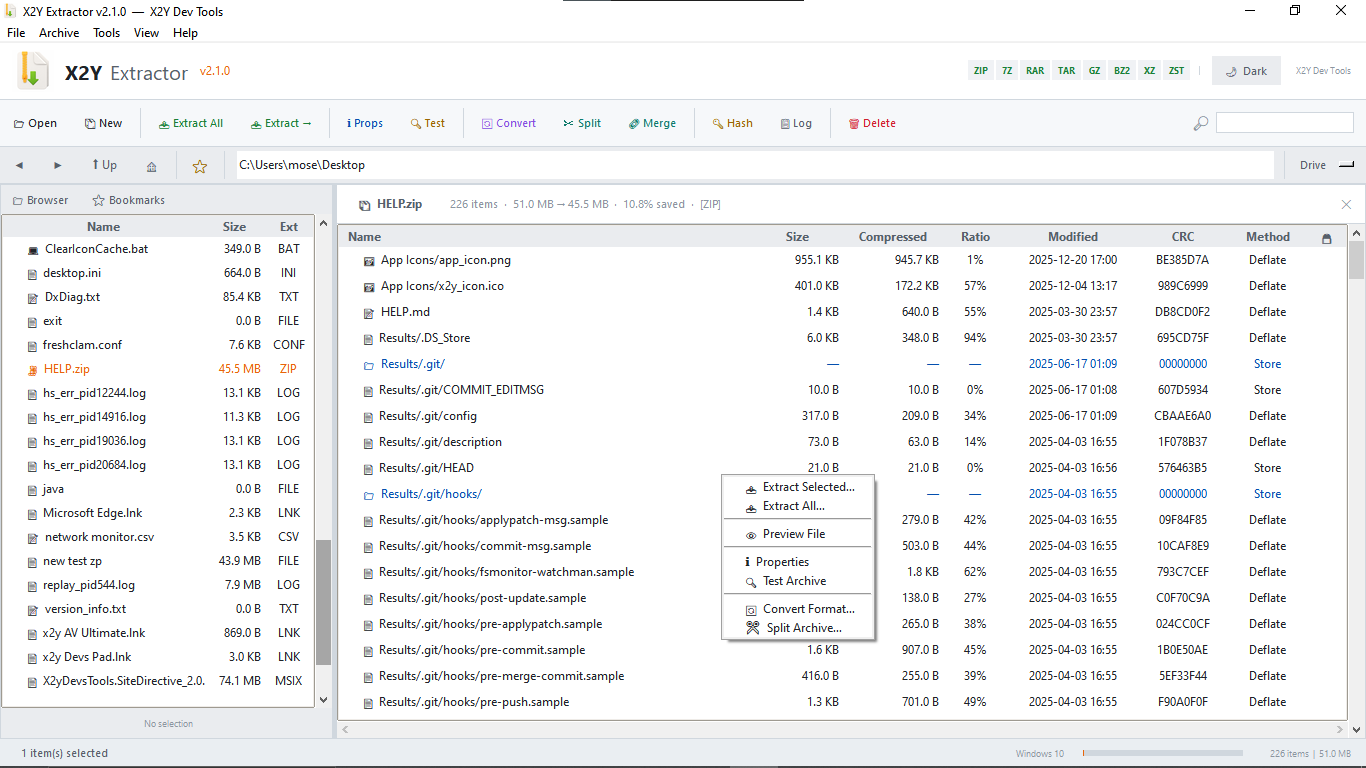
The built-in file browser lets you navigate your drives, bookmark folders, and open archives with a double-click. Inside any archive you can search, sort, preview, and selectively extract files without unpacking everything first. The file previewer handles 20+ formats — images render inline, text and code files open in a scrollable viewer, and JSON, CSV, PDF, Word, Excel, and PowerPoint files all show their content directly inside the app. For any format that cannot be previewed natively, a single button opens it in your system's default application.
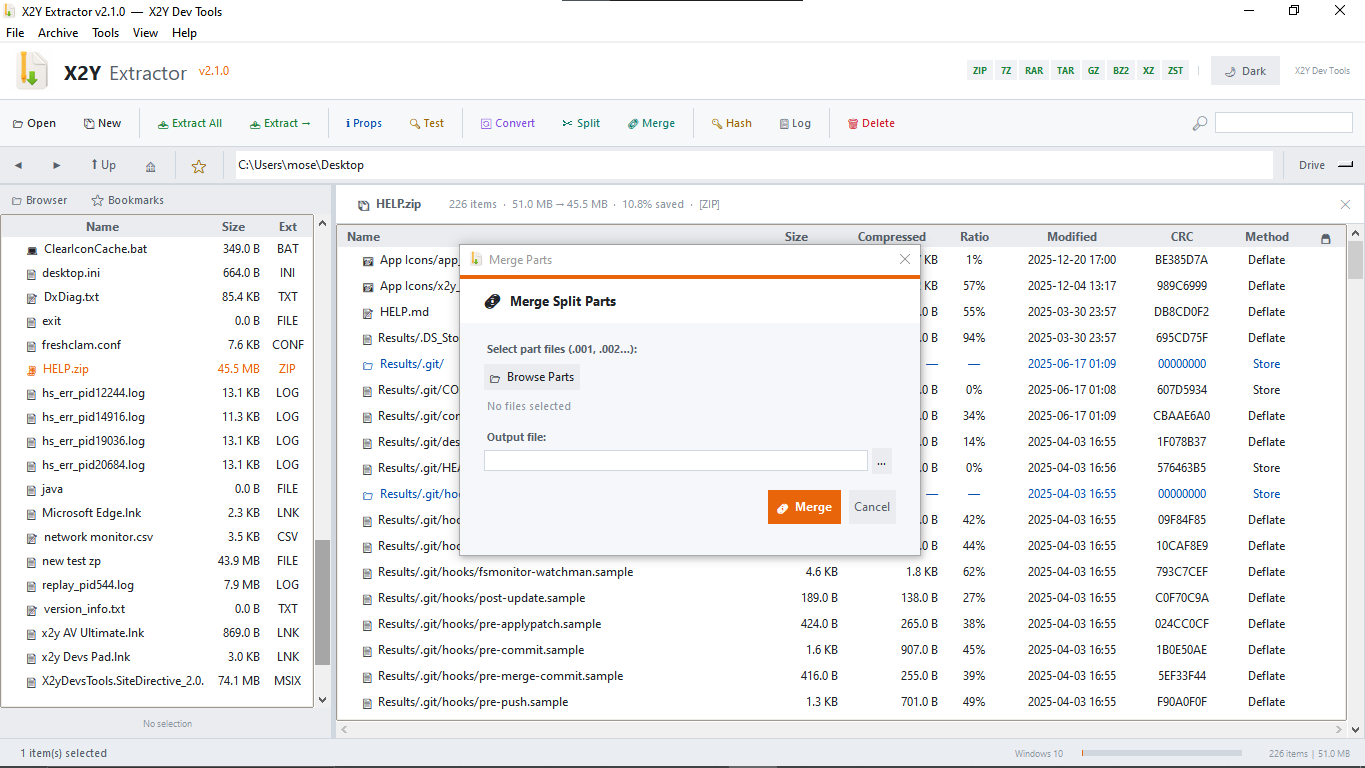
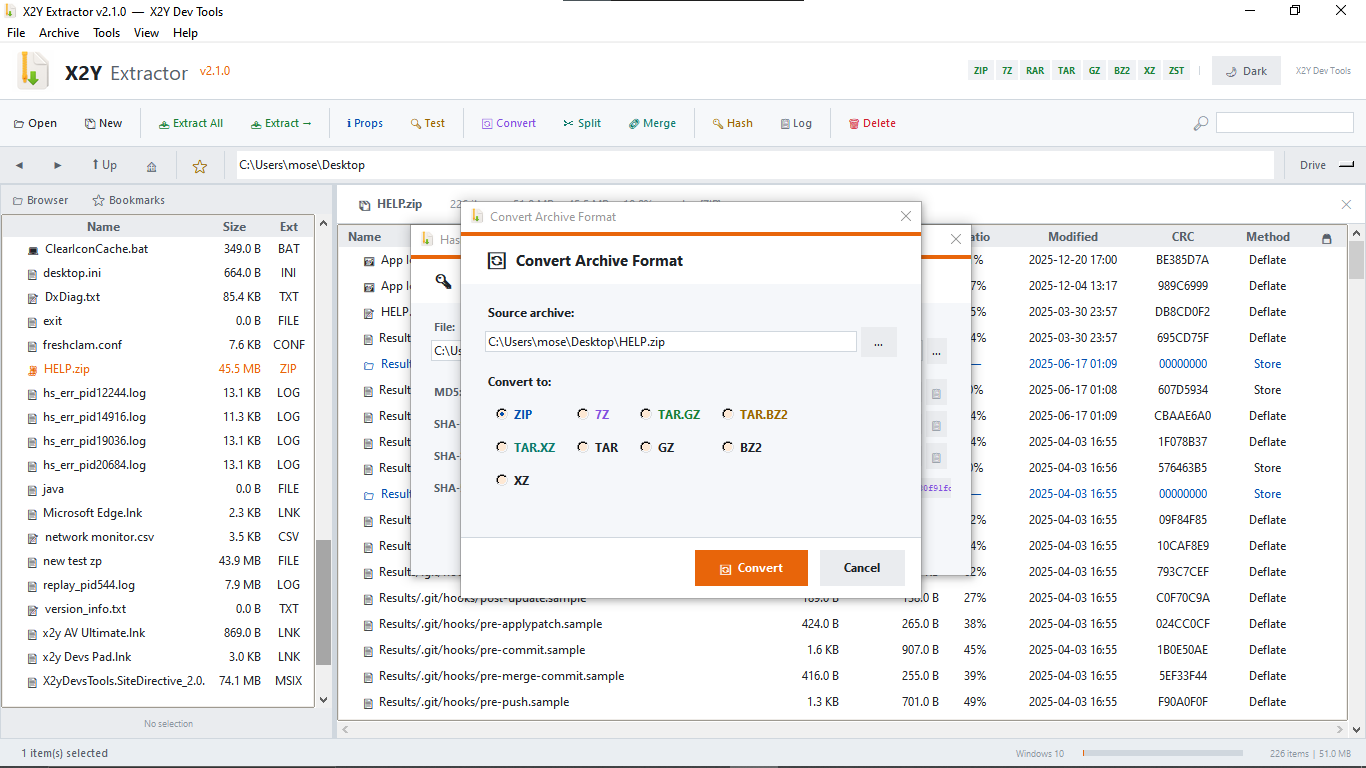
Creating archives is straightforward — select files or folders, choose a format and compression level, set an optional password, and save. Converting an existing archive to a different format, splitting a large file into parts for easier sharing, or merging parts back together are all built-in operations accessible from the toolbar or right-click menu.
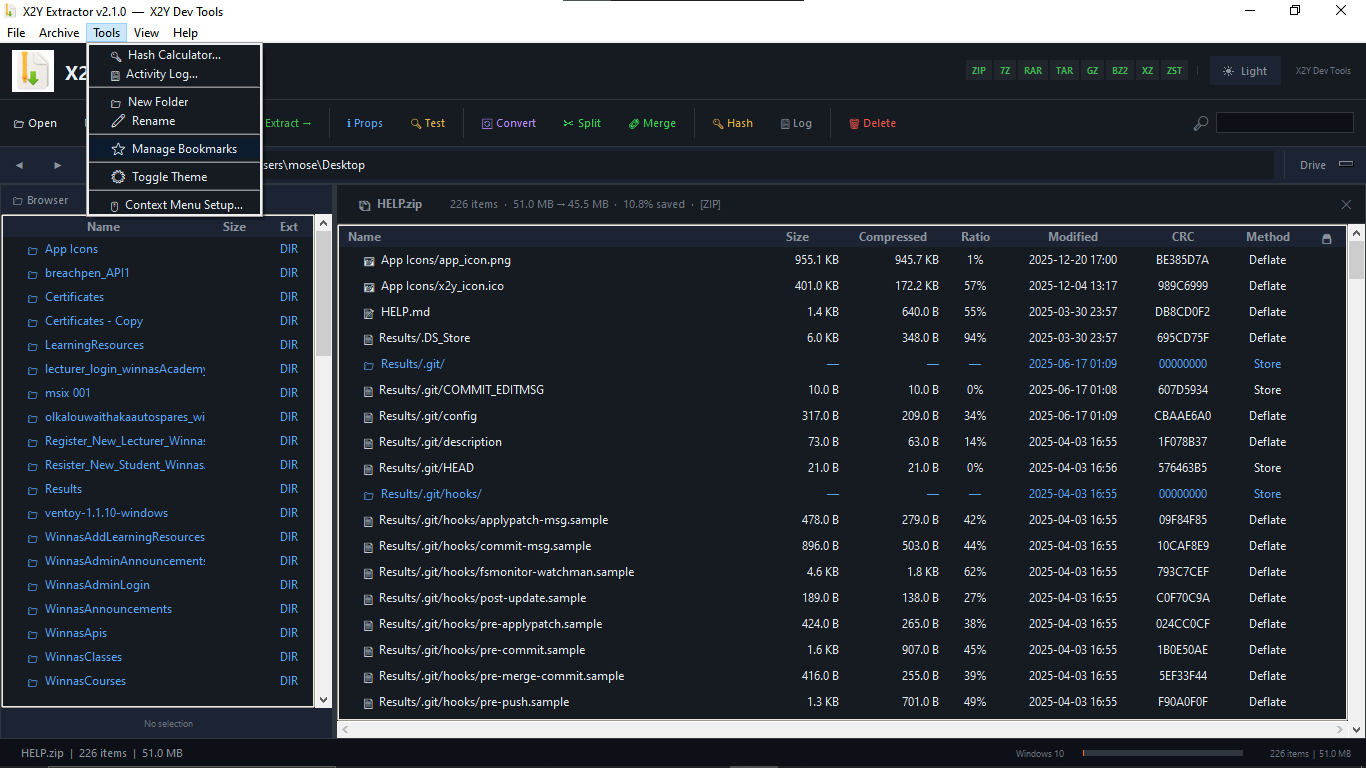
X2Y Extractor integrates with Windows Explorer through an optional context menu registration that requires no administrator rights. Once registered, right-clicking any archive gives you Open and Extract Here options, while right-clicking any file or folder gives you a Compress option.
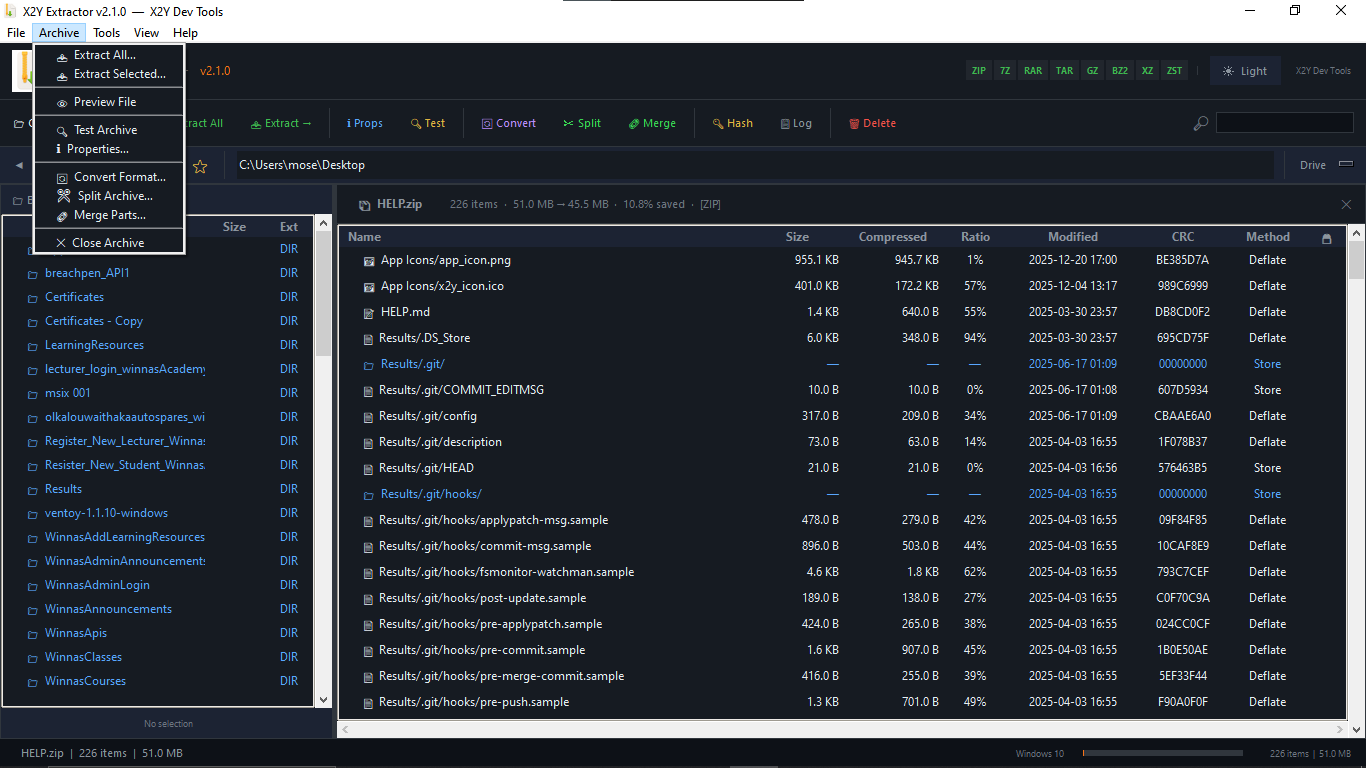
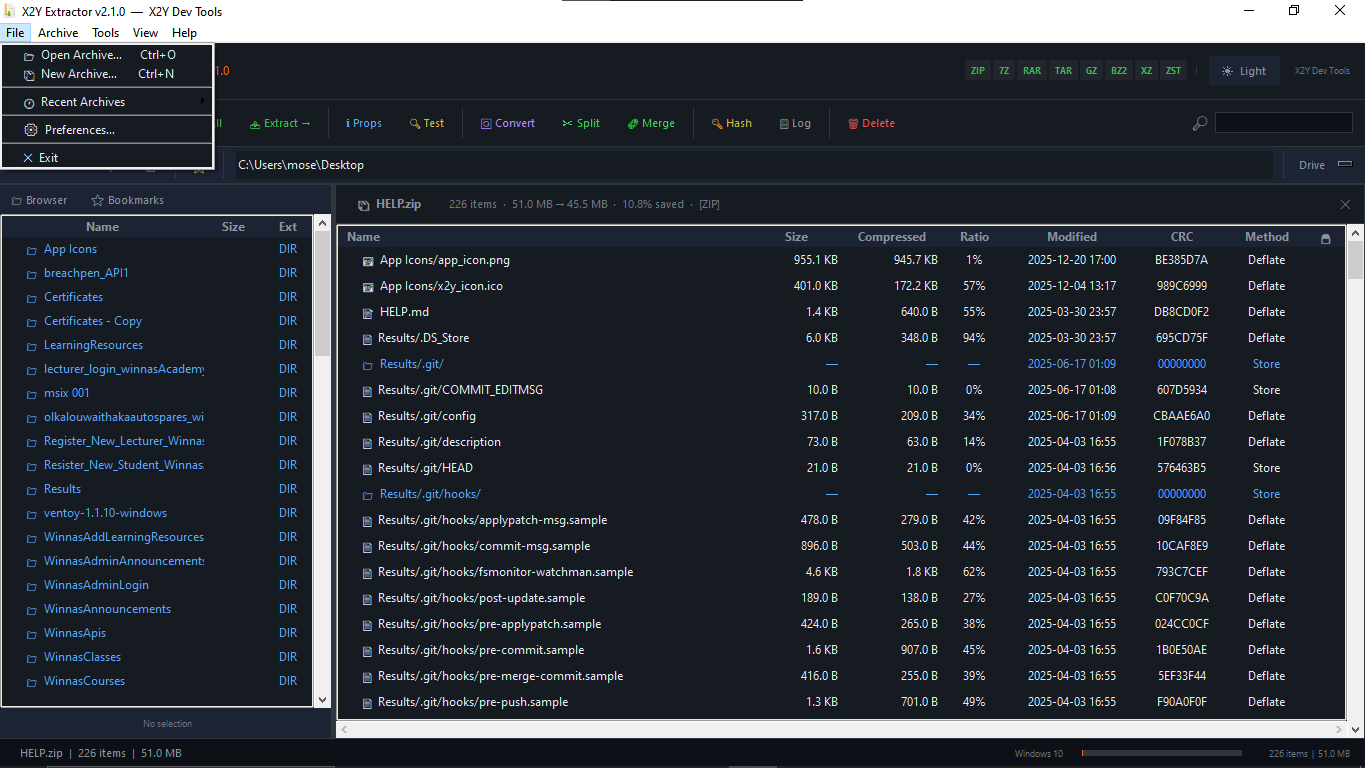
The interface comes in dark and light themes with a customisable accent colour, adjustable row height, and a fully scrollable Preferences panel. Everything runs locally — no internet connection is used, no data leaves your machine, and no account is required.
What's New in v2.1.0:
- Real AES-256 password encryption for ZIP and 7Z archives
- File preview for 20+ formats including images, PDF, Office documents, CSV, and hex view for binary files
- Open with System App button for any unsupported preview format
- Windows Explorer right-click context menu integration with no admin rights required
- Password strength indicator when creating encrypted archives
- Scrollable Preferences dialog — all settings always visible
- Custom accent colour picker with 11 presets
- Row height adjustment for the file list
- Startup behaviour settings — re-open last archive, remember last folder
Key Features:
- Open and browse ZIP, 7Z, RAR, TAR, GZ, BZ2, XZ, ZST archives
- Extract all files or selected files to any folder
- Create new archives with compression levels 1–9
- Password-protect ZIP and 7Z archives with AES-256 encryption
- Preview images, text, code, JSON, CSV, PDF, Word, Excel, and PowerPoint files inside archives
- Convert archives between formats (e.g. RAR to ZIP, TAR.GZ to 7Z)
- Split large archives into parts and merge them back
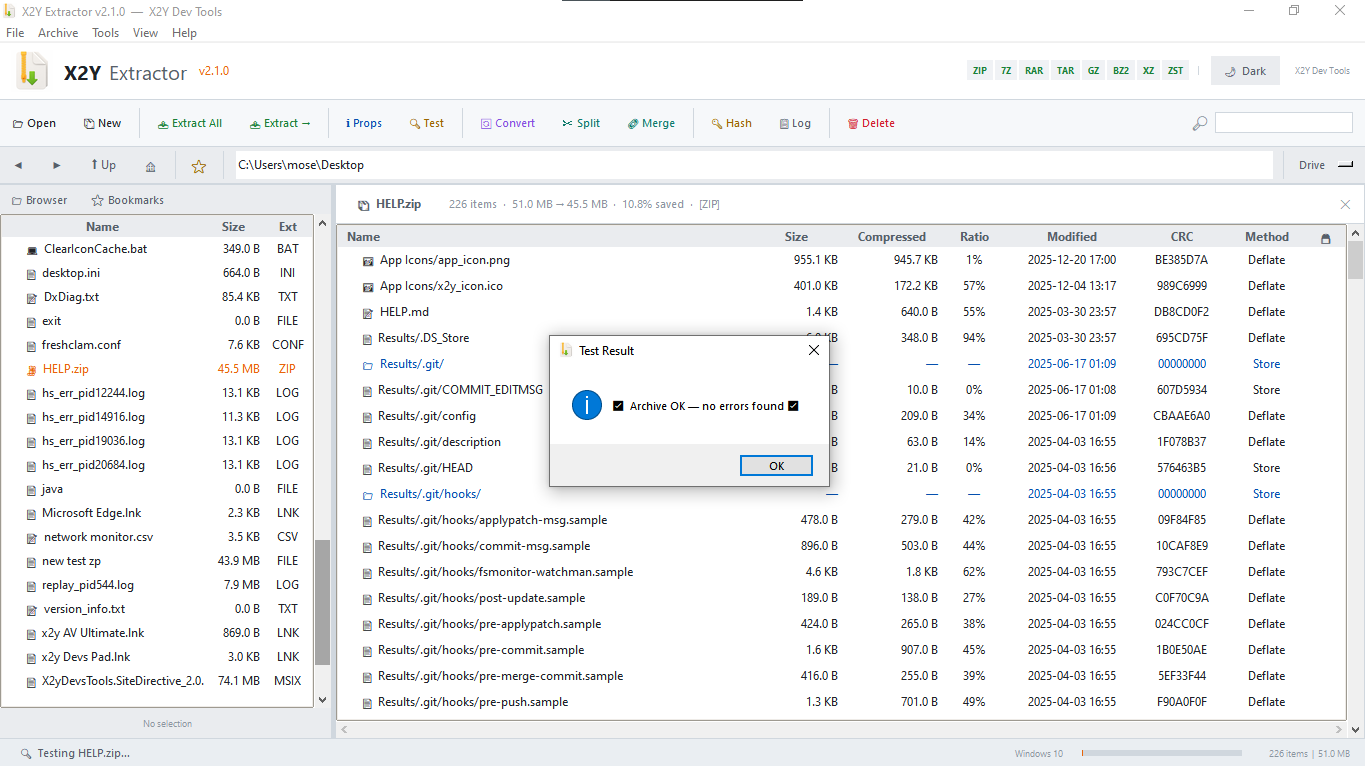
- Test archive integrity to detect corrupt files
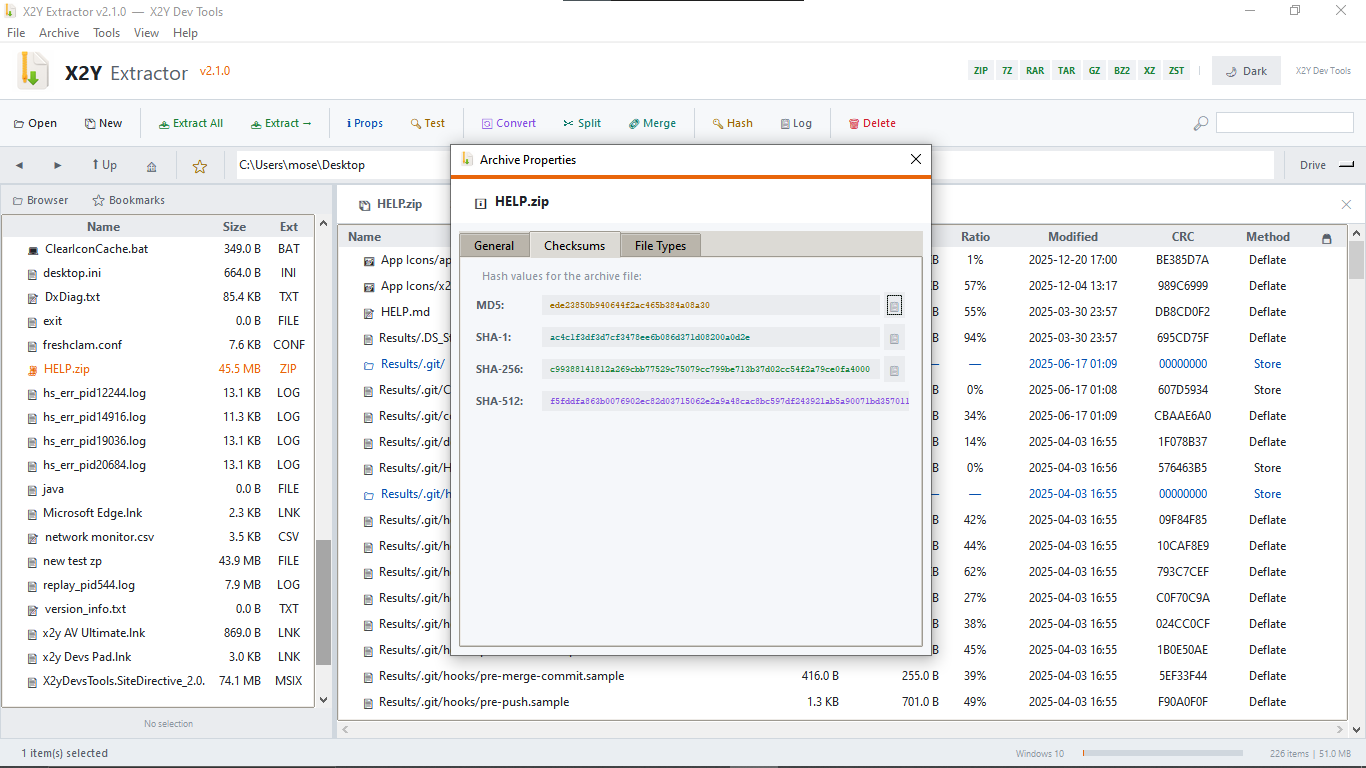
- Calculate MD5, SHA-1, SHA-256, and SHA-512 hashes for any file
- Built-in file browser with navigation history, bookmarks, and drive selector
- Live search to filter archive contents instantly
- Windows Explorer right-click context menu integration
- Dark and light themes with custom accent colour
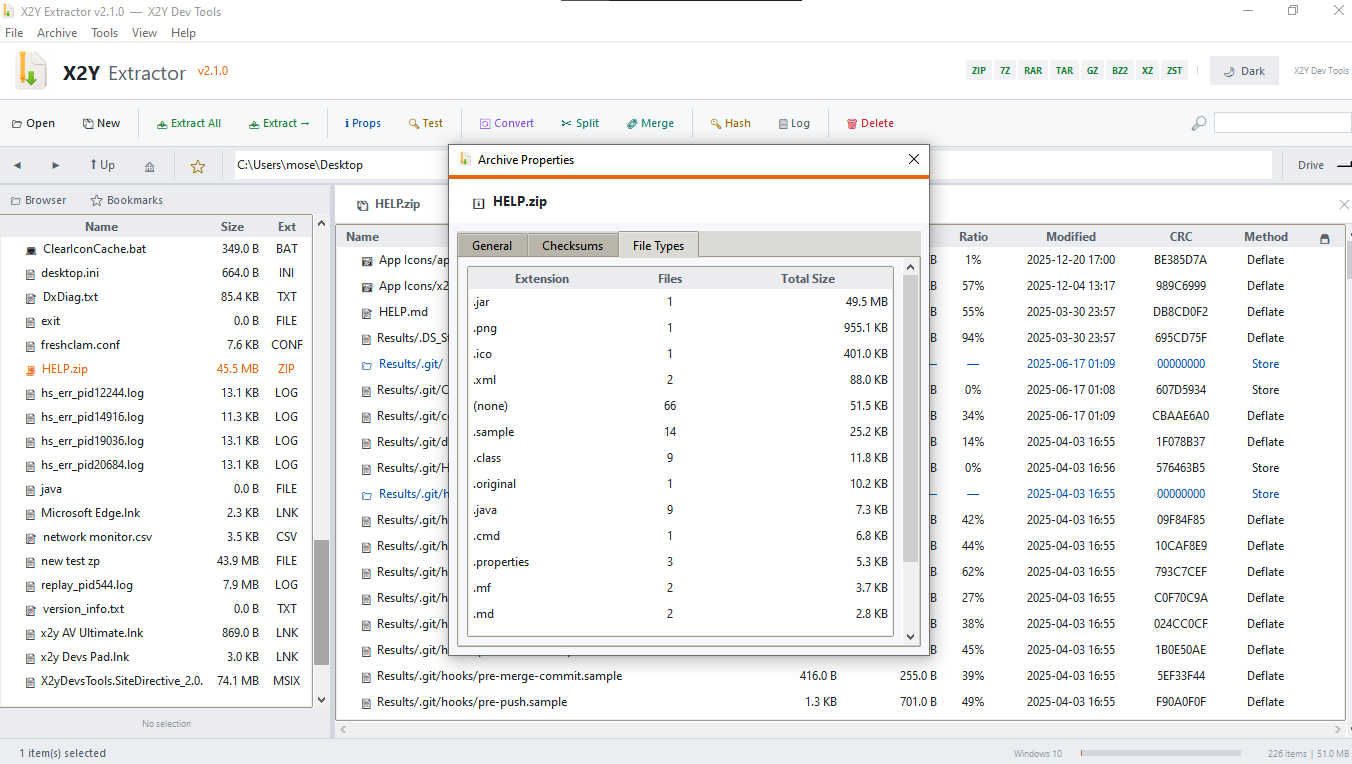
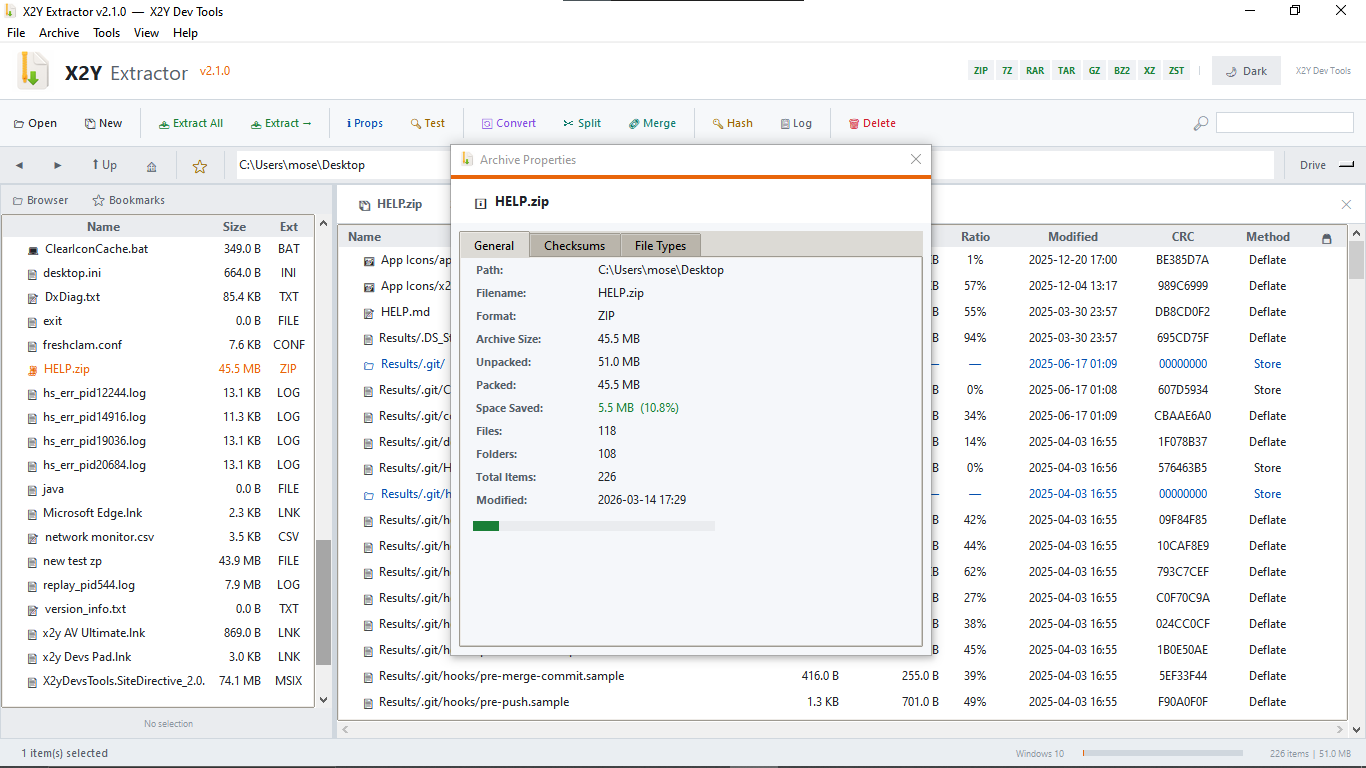
- Archive properties showing compression ratio, space saved, and file type breakdown
- Activity log of all operations with save and clear options
- Rename and delete files directly from the browser
- Recent archives list for quick access
- Fully offline — no internet connection, no telemetry, no cloud
- Portable — runs as a single EXE with no installation required
- Supports Windows 10 and newer
X2Y Extractor is provided as-is by By downloading, installing, or using this software you agree to the following terms.
Permitted use. You may install and use X2Y Extractor on any number of personal or work devices. You may not sell, sublicense, or redistribute the software or any modified version of it without written permission from X2Y Dev Tools.
No warranty. X2Y Extractor is provided without warranty of any kind, express or implied. X2Y Dev Tools makes no guarantee that the software will be free of errors, function without interruption, or meet any particular requirement.
Limitation of liability. X2Y Dev Tools is not liable for any loss of data, damage to files, or any other direct or indirect damages arising from the use of this software. You are solely responsible for maintaining backups of your files.
Third-party components. X2Y Extractor makes use of open-source libraries including Python, Pillow, py7zr, rarfile, pyzipper, and others. Each of these components is subject to its own license terms. X2Y Dev Tools does not claim ownership of these components.
Updates. X2Y Dev Tools may release updates to this software at any time. Continued use of the software after an update constitutes acceptance of any revised terms.
Governing law. These terms are governed by applicable law. Any disputes arising from the use of this software shall be resolved in accordance with the laws of the jurisdiction in which X2Y Dev Tools operates.
Contact. For licensing inquiries contact support@x2ydevs.xyz
Purchase
In order to download this tool you must purchase it at or above the minimum price of $1.55 USD. You will get access to the following files:
Also available on